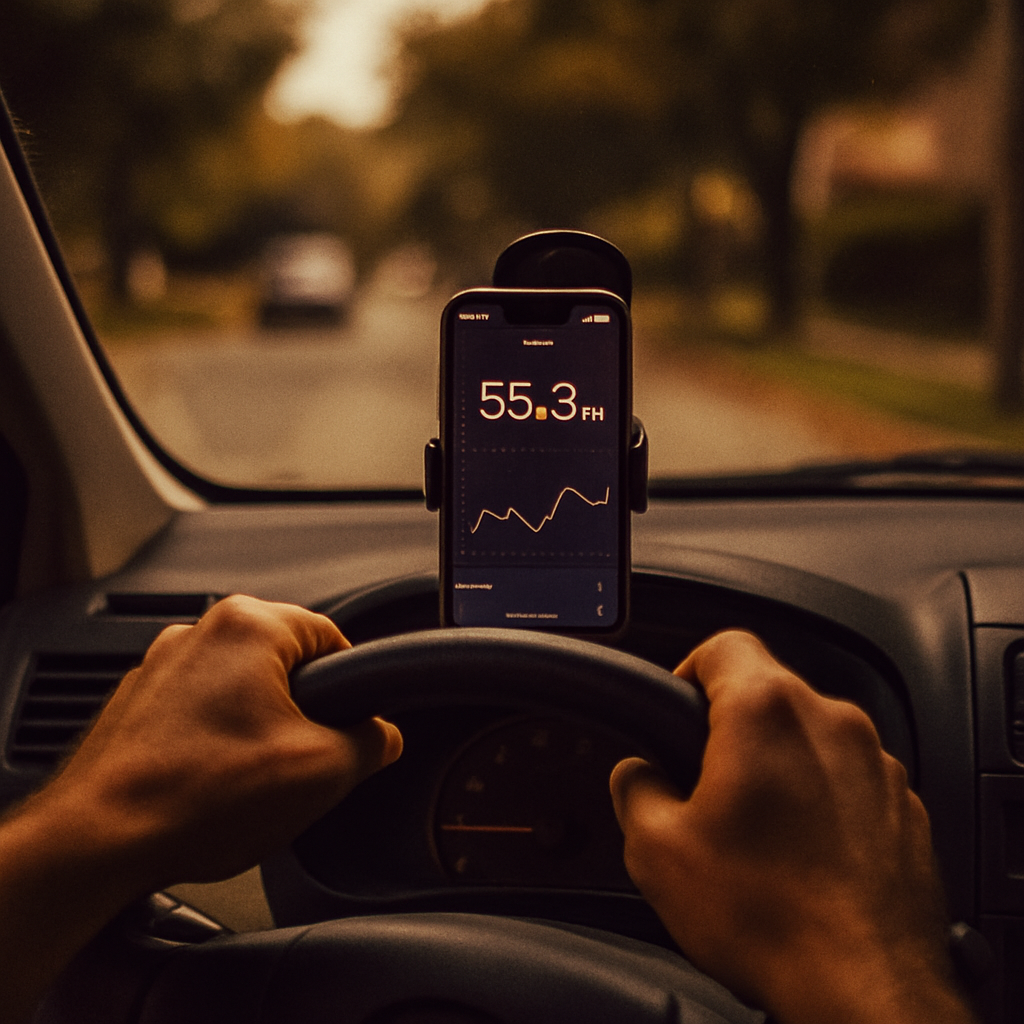
If you’re doing delivery or rideshare work, mileage tracking for delivery drivers is the single biggest tax deduction most people just… leave sitting on the table. I did it for six months before I realized I’d been eating hundreds of dollars in write-offs. The reason? It felt like annoying bookkeeping, so I kept telling myself I’d sort it out later. Then “later” never came, and I had nothing to show the IRS except a vague idea of “yeah, I drove a lot.” This post is what I wish someone had handed me on day one.
Why Mileage Tracking Matters So Much for Gig Drivers
Here’s the hard truth: mileage is almost certainly your biggest deduction. For delivery and rideshare drivers, the IRS lets you deduct either a standard rate per mile (which they update every year) or your actual expenses. Most gig workers come out ahead using the standard mileage rate because it’s simpler and the IRS is generous with it.
Last year, that rate was 67 cents per mile for business use. If you drove 20,000 miles doing deliveries, that’s $13,400 you can deduct from your taxable income. At a 25% tax rate, that saves you over $3,000. At a 35% rate, you’re looking at $4,700 in your pocket instead of the IRS’s. But only if you actually track it.
The problem is that most drivers wing it. They either forget miles entirely or write down some number they vaguely remember in January when they’re panicking about taxes. The IRS knows this, which is why they scrutinize mileage claims harder than almost anything else on a Schedule C.
Standard Mileage vs. Actual Expenses: Which One Wins?
Before you set up any tracking system, understand what you’re actually choosing between.
The standard mileage rate is the simpler path. You track miles driven, multiply by the IRS rate (which changes yearly—check the current year before filing), and deduct it. No receipts for gas, maintenance, or insurance required. The IRS sets the rate to cover all those costs in aggregate, so you’re basically taking their word that it’s fair. For most gig workers, it is.
The actual expense method means tracking every gas fill-up, oil change, tire replacement, insurance payment, and calculating depreciation on your vehicle. You can only deduct the business-use percentage, and you have to keep every receipt. It’s more work, and it only wins if you’ve got a gas-guzzler or very high maintenance costs.
I’m going to tell you straight: unless you’re driving a 2002 Hummer or you’ve got a seriously detailed spreadsheet habit already, standard mileage is your friend. It’s what most successful delivery and rideshare drivers use. But I’m not a tax advisor, so double-check with someone who knows your specific situation.
How to Set Up a Mileage Tracking System That Actually Works
The reason I finally started tracking? I found a system that required almost zero friction. I’m talking GPS-based automatic logging—apps that run in the background, detect when you’re driving, and log the miles without you having to remember anything.
These apps exist in the free tier, and that’s what you want to look for. You’re not paying for premium features; you’re paying for the peace of mind that your miles are being recorded automatically every single day you work. When you go to file taxes, you have a complete, timestamped record.
What to look for in a free mileage tracker:
- Automatic GPS logging (you don’t have to start or stop anything manually)
- The ability to categorize trips as business or personal
- A way to add trip purpose or notes (delivery at 123 Main St, rideshare passenger pickup, etc.)
- A monthly or annual summary you can download or screenshot
- No forced upgrade to see your own data
The app sits in the background on your phone. When you get in the car to work, it detects movement and logs the trip. You spend 15 seconds tagging it as business and noting the destination. That’s it. By the end of the month, you’ve got a complete log with zero scrambling.
What the IRS Actually Wants to See
If you ever get audited on mileage (and yes, it happens), the IRS wants three pieces of information for each trip: the date you drove, where you went or why (the business purpose), and how many miles you drove.
That’s it. You don’t need fancy software or leather-bound logbooks. A spreadsheet with columns for date, destination, and miles works. But here’s the catch: a vague year-end estimate does not work. If you say “I drove about 25,000 miles this year for delivery,” and the IRS pulls your records, you’ve got nothing to show them. A contemporaneous log—something written down at or near the time you drove—holds up. Something you wrote in February during tax panic does not.
This is why automatic tracking is so valuable. You’re building that contemporaneous record passively, every time you work. No retrospective guessing required.
Common Mistakes That Kill Your Deduction
I’ve made most of these. So have people I’ve talked to. Here’s what tanks a mileage deduction:
Including your commute as business miles. The drive from your house to your first delivery or passenger pickup? That doesn’t count. You’re not working until you’ve picked up a passenger or accepted a delivery. Same with the drive home. The IRS is clear on this, and it’s the first thing they look for. If you claim that, you’re basically admitting your numbers are sloppy. It’s a red flag.
Logging inconsistently and leaving gaps. If you worked 25 days in a month but only logged 15, a reviewer sees that immediately. Gaps suggest you forgot to track, which means your whole system is unreliable. Automatic tracking solves this—you can’t forget what was logged automatically.
Not separating business and personal miles. If you drove to a delivery, then went to the grocery store, then drove to another delivery, you can’t count the whole drive. You count delivery-to-store and store-to-delivery separately. Personal miles in between don’t qualify. A good tracker lets you mark each trip.
Rounding numbers. “I think I drove about 2,000 miles that month” feels like a reasonable estimate, but if your actual log says 1,847 and you claimed 2,000, you’ve just made yourself look careless. Stick to what your tracker says.
The pattern here is the same: consistency and documentation. Set it up right once, run it automatically, and you’re protected.
Your Action Plan for This Week
Don’t wait until tax season to figure this out. Here’s what to do right now:
- Pick one automatic GPS-based mileage tracker and install it today. Set it up so it starts logging your next shift.
- Check the current year’s IRS standard mileage rate (it’s published in January every year). Write it down somewhere you’ll see it when you do taxes.
- Spend 15 minutes after your next few shifts tagging trips with their purpose and destination. Get the habit locked in now when it’s easy, not in a panic in March.
If you’re already using a tracker, spend 10 minutes this week auditing the last month of logs. Do your commute miles look separated out? Are business trips actually tagged? Are there gaps that suggest you forgot to track? Fix those patterns now before they compound.
The goal here is simple: by next tax season, you’ll have a complete, defensible log of every business mile you drove. That log becomes thousands of dollars in deductions, which becomes hundreds or thousands of dollars in your actual pocket. All because you set it up once and then forgot about it until the good part—writing it off.
Mileage tracking for delivery drivers isn’t complicated. It’s just a system that actually runs without you thinking about it. Start today, and you won’t regret it in January.